
Printscene — Somercotes, Alfreton, Derbyshire
Brochure Printing for Business: Sizes, Folds and How to Order
A brochure is often the most detailed piece of print a business produces — the one that stays on a desk, gets passed to a colleague or sits in a waiting room for months. Getting the size, fold and paper weight right before you order saves a reprint. This guide covers the decisions UK businesses need to make and what to hand to your printer.

Written by Printscene
- Brochure Printing
- Business Print
- Print Setup
Brochure vs Leaflet: What’s the Difference?
The two terms get used interchangeably, but they serve different purposes. A leaflet is typically a single folded sheet printed on both sides, designed for distribution and quick reading. A brochure is a more substantial piece — either a multi-panel folded sheet with more content per panel, or a saddle-stitched or perfect-bound booklet with multiple pages.
The quick answer
Brochures are printed marketing documents, typically A4, A5 or DL in size, folded or bound to create multiple panels or pages. The tri-fold — two folds across an A4 sheet, creating six panels — is the most widely ordered format for UK businesses. Standard paper weight for brochure printing in the UK is 130–170gsm coated silk or gloss stock. Brochures are designed to be kept and read rather than quickly distributed.
If you need guidance on folded leaflets specifically, our leaflet sizes and folding options guide covers single-sheet formats in depth. This guide focuses on the decisions specific to brochures as a distinct product.
Brochure Sizes: A4, A5 and DL
Most UK business brochures are produced in one of three sizes, each with a natural use case:
- A4 (210×297mm) — The most common format for corporate brochures, service directories and product catalogues. Ample space for detailed information and photography. Folds to A5 in a bi-fold or to DL panels in a tri-fold. Works flat for display on a counter or in a rack.
- A5 (148×210mm) — A compact format suited to events, welcome packs and mailers. Easier to carry and distribute than A4, and roughly half the paper cost at the same quantity. A popular choice for hospitality, health and therapy businesses.
- DL (99×210mm) — A tall, slim format that fits a standard C5 envelope and a standard brochure rack. Often used as a gateway piece — enough information to prompt a call or a website visit. Looks premium despite the smaller footprint.
Fold Types: Bi-Fold, Tri-Fold, Z-Fold and Gatefold
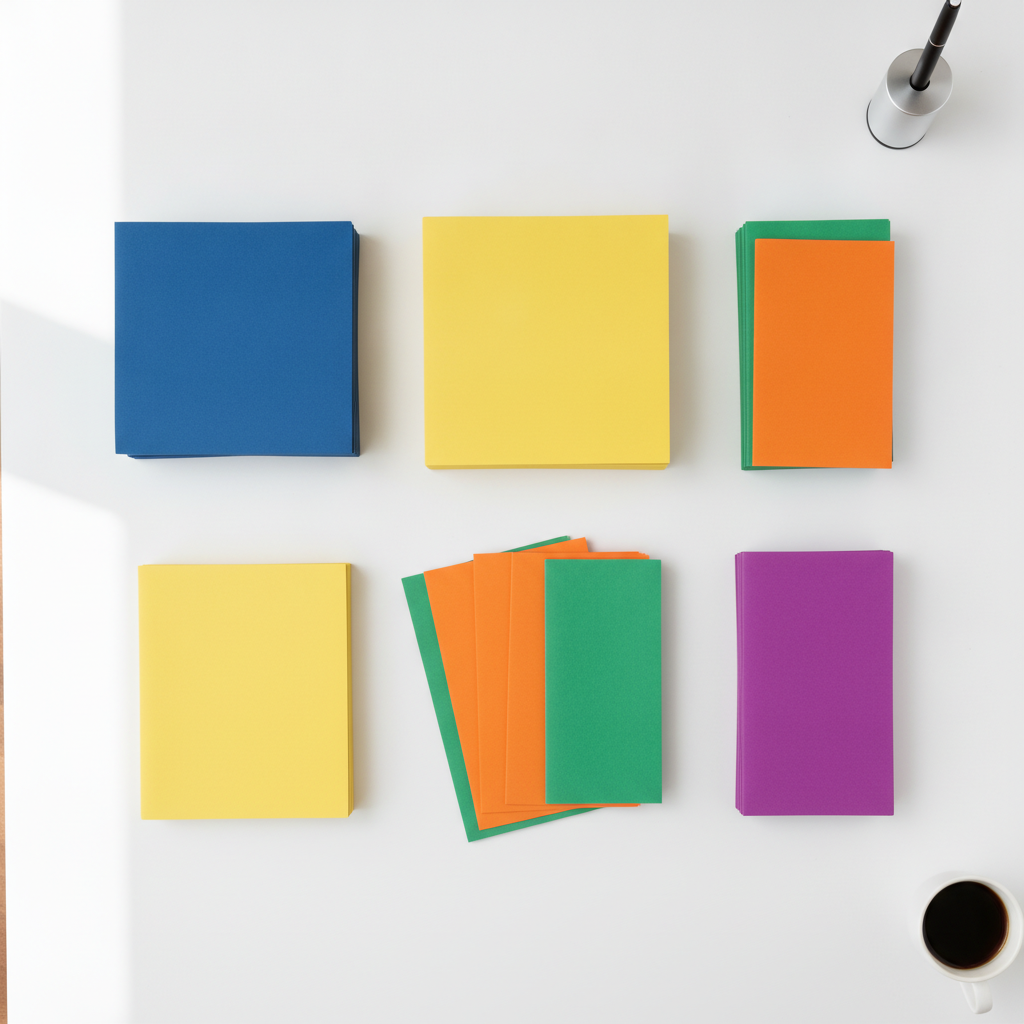
The fold turns a flat printed sheet into a sequence of panels. Which fold you choose affects how many panels you have, how the reader moves through the content, and how the piece mails or displays.
- Bi-fold (half-fold) — A single fold down the centre, creating four panels. Simple and clean, and the easiest format to lay out. Works well as a concise introduction with a clear front, inside spread and back.
- Tri-fold (letter fold) — Two folds creating six panels, with the left panel tucking inside the right. The most ordered brochure format in the UK, fitting neatly into an envelope and creating a natural reveal as each panel opens. Good for service lists, step-by-step processes or three distinct product categories.
- Z-fold (accordion fold) — Two folds in alternating directions, opening accordion-style. Unlike the tri-fold, each panel reads independently — useful for sequential information like a map, a timeline or an installation guide.
- Gatefold — Two outer panels that meet in the centre and open to reveal a full inner spread. A premium format used for event launches, product introductions and luxury service brochures. More complex to set up and slightly higher cost, but the reveal effect is memorable.
Which fold suits your project?
For most Derby and Derbyshire businesses, a tri-fold A4 covers everything: fits a standard envelope, sits flat in a display rack, and gives enough space for an introduction, three or four services and a contact section. If you have a stronger visual story to tell, consider a bi-fold A4 with more breathing room per panel, or a gatefold for a launch. Tell us what you are trying to achieve and we will suggest the right format.
Paper Weight and Finish
Paper choice affects how substantial the brochure feels in the hand and how long it lasts on a desk. Most UK business brochures are printed on coated stock between 130gsm and 170gsm:
- 130gsm silk or gloss — The entry-level brochure weight. Folds cleanly, takes colour well and looks professional. Right for volume runs and brochures designed for distribution.
- 150–170gsm silk or gloss — Noticeably heavier. The brochure holds its shape when open, and the cover panel feels solid. Recommended for anything going into a client pack or being handed to a decision-maker.
- Gloss finish — Vibrant colour reproduction and a reflective surface. Best where photography is central to the design. Slightly harder to read in bright light for text-heavy sections.
- Silk finish — A smooth surface without the glare of gloss. Most readable for body copy, and perceived as slightly more premium. The most versatile finish for brochures that combine text and image.

Setting Up Your Artwork for Print
The most common reason for a brochure reprint is artwork set up without bleed or at too low a resolution. For brochure printing in the UK the standard rules apply:
- Resolution: design and export at 300 DPI. Anything below this will show pixelation on the printed sheet, especially on photographs.
- Bleed: add 3mm bleed on all four sides. Trimming is not exact to the millimetre, and without bleed any background or image running to the edge will show a white sliver after cutting.
- Safe zone: keep all text and logos at least 5mm inside the trim edge so nothing important gets cut off.
- Colour mode: design in CMYK, not RGB. Screen colours and print colours use different systems, and an uncorrected RGB file will shift on press — blues often go purple, rich greens can go khaki.
- File format: supply a press-ready PDF. InDesign, Illustrator and Canva all have export options for print-ready PDF — ask us if you need guidance on the settings.
Our print-ready artwork guide covers all the common settings and the mistakes to avoid when sending files to a printer, including how to check your bleed and export settings before submitting.
Turnaround and Quantities
For brochures printed digitally in the UK, standard turnaround from proof approval is typically five to seven working days. Fast-track services at UK commercial printers can deliver in three working days after proof sign-off, with a small premium on the print price.
Quantity is the single biggest lever on cost per unit. Digital printing means there is no minimum — you can order 50 copies for an event or 2,000 for a campaign — but the per-unit price drops significantly at 250, 500 and 1,000 copies. Ordering slightly more than you think you need is usually better than reordering a small quantity at a higher unit cost later.
Ready to order your business brochure?
Printscene prints brochures across a full range of sizes, folds and paper stocks from our Somercotes workshop, serving businesses across Derby, Alfreton, Matlock, Belper and Derbyshire. Bring your artwork and we will check it before it goes to press — or talk to us about the right specification for your project.